
Box Dieline Generator
for Manufacturers and Designers
Carton Maker is the box dieline generator. With 70+ box styles, multi-ups and AutoCAD/CorelDraw export, it removes repetitive designer work.
See It In Action
Watch how easy it is to create box dielines
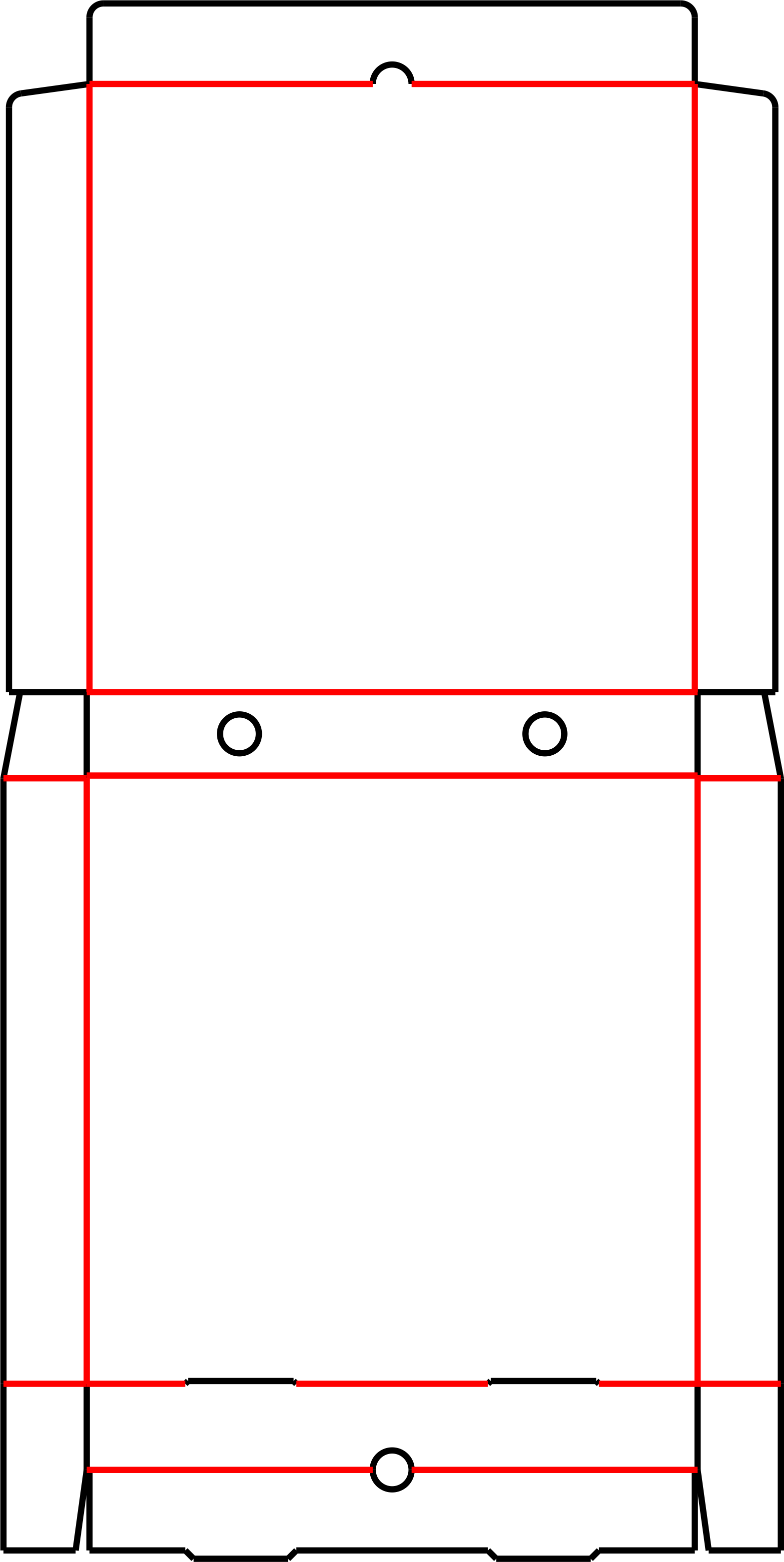
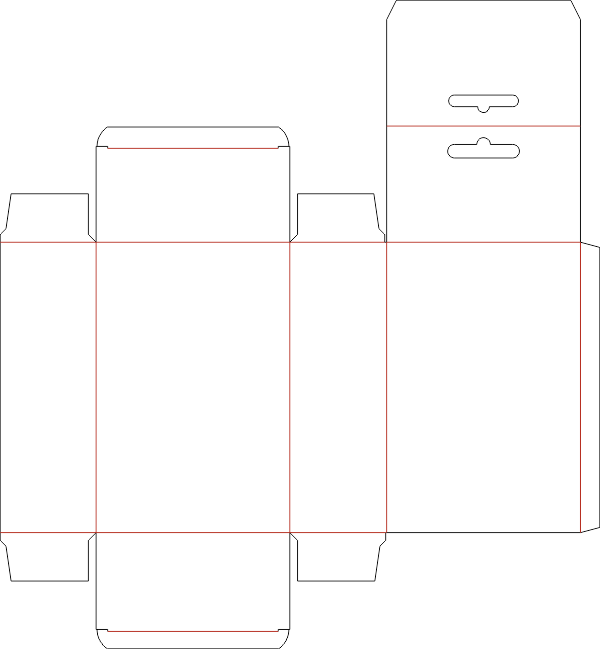
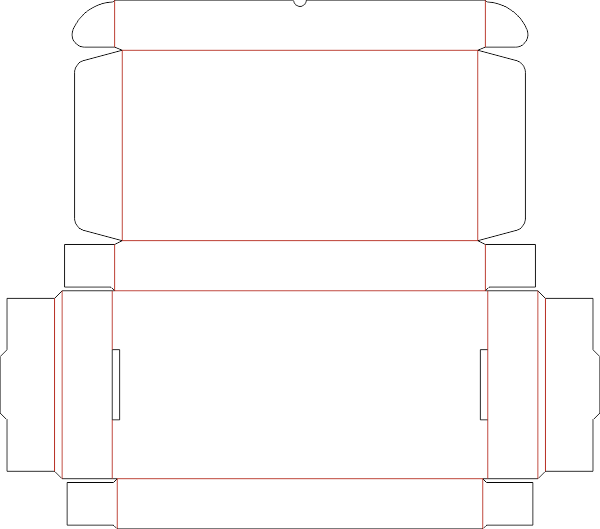
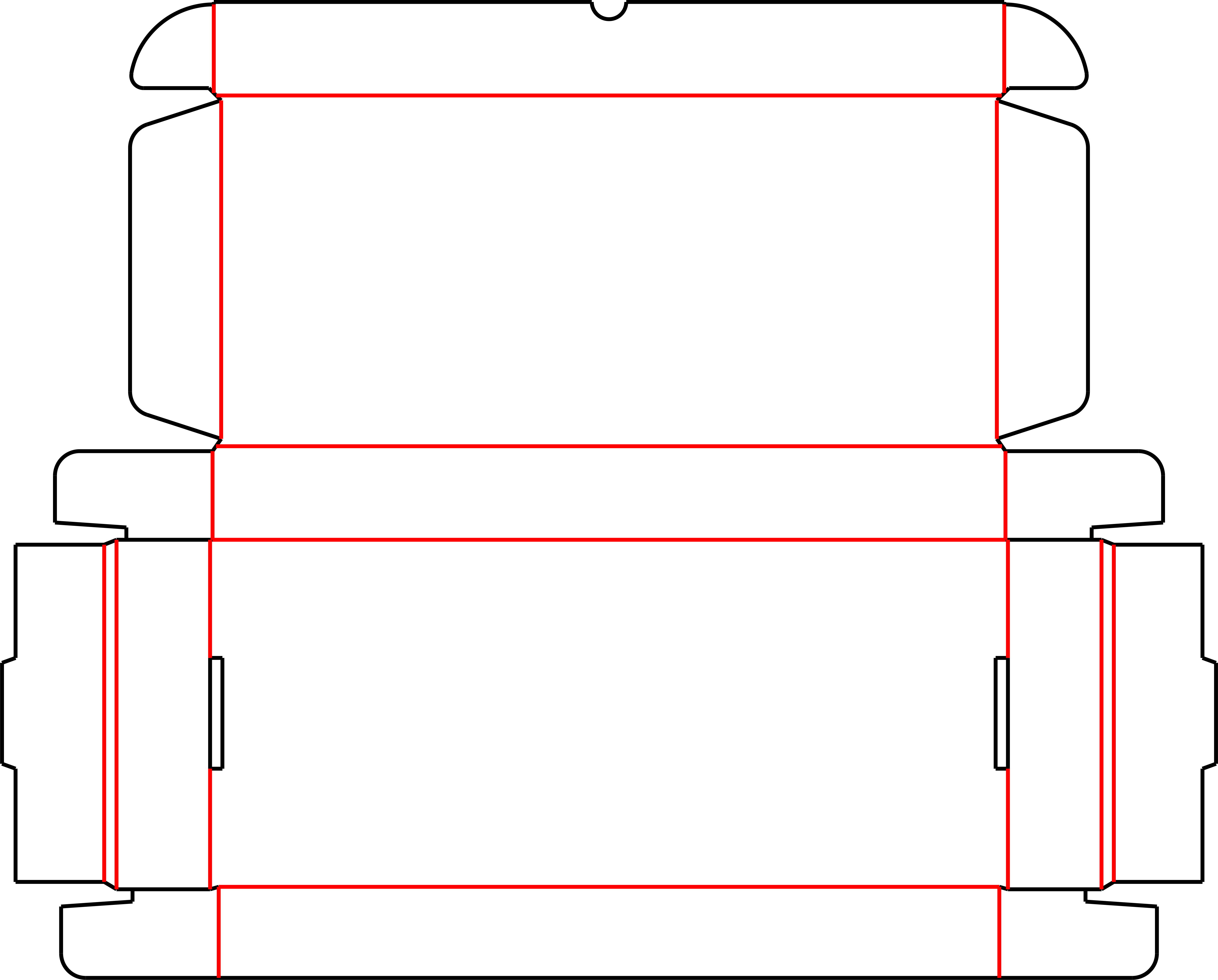
Browse Premium Dielines
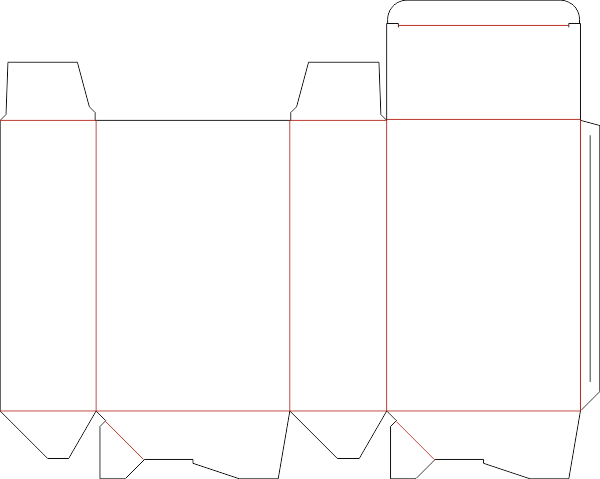
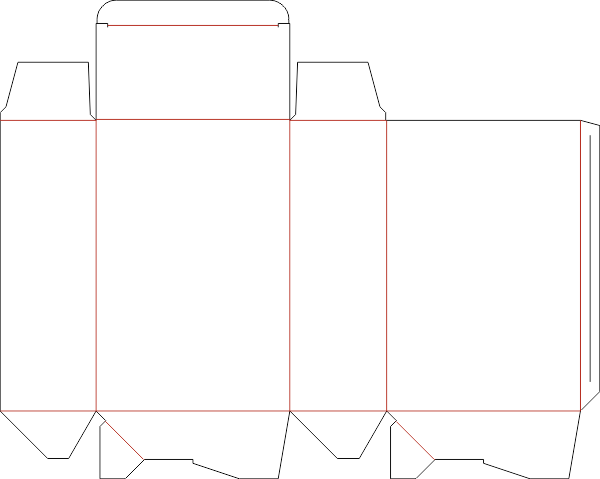
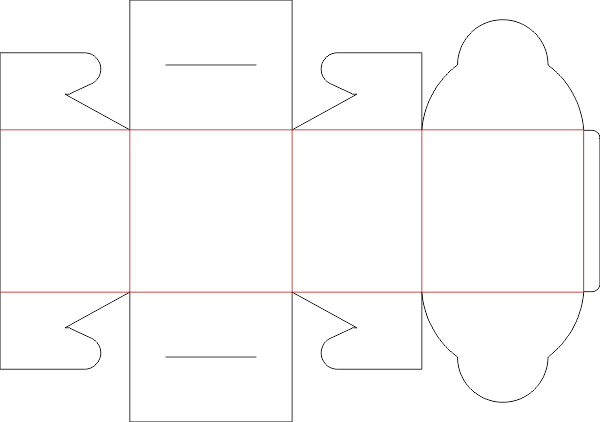
Explore our most popular box designs, trusted by professionals worldwide
Everything You Need to Design Faster
Professional tools that streamline your packaging design workflow
Export
Export dielines in PDF and DXF formats for use in popular design software like AutoCAD, CorelDraw, and Adobe Illustrator.
Estimation
Predicts sheet size and blade length for cutting and creasing. Helps minimize material waste and optimize production.
Notching Tool
Notching Tool for laser cutting, which single or multiple break (auto calculated). Saves time and effort in manual notching.
Curve Smoothning
The curves exported with CorelDraw are not always shown in the autobender machine. This tool converts your drawing to compatible formats.
Multiups Layout
This tool makes it easy to repeat a job to multiple designs with interlock support. Minimize paper waste and maximize efficiency.
3D Folding Preview
Real-time 3D folding preview to visualize how the box will look when assembled. Ensures accurate design before production.
Frequently Asked Questions
We're here to help. Check out our FAQ below or reach out to our support team.
Still need help?
Can't find what you're looking for? Send us an email at cartonmaker.app@gmail.com
What is Carton Maker?
How do I generate a box dieline in Carton Maker?
Does Carton Maker support real-time dieline generation?
Can I preview the box folding in 3D?
Is the 3D preview a mockup or a structural preview?
Can I create multi-up or nested dielines?
Does Carton Maker provide sheet size and blade length estimation?
Does Carton Maker support BOBST machine layouts?
What file formats can I export my dielines to?
Do I need graphic design or engineering skills to use Carton Maker?
Create Dielines in 3 Easy Steps
From design selection to export, our streamlined process gets you results in minutes
Choose a Design
Browse through 70+ professional box templates and select the perfect style for your project
Enter Dimensions
Input your box dimensions and watch the dieline generate instantly in real-time 3D preview
Export & Print
Download your dieline in DXF, PDF, or CDR format ready for production and die-cutting
Loved by 10,000+ Users
See what packaging professionals are saying about Carton Maker
"Carton Maker has revolutionized our packaging design process. What used to take hours now takes minutes!"
"The 3D preview feature is amazing! I can visualize the final box before printing, saving us costly mistakes."
"Excellent tool with fantastic support! The variety of box designs covers all our packaging needs."
Ready to Transform Your
Packaging Design Process?
Join thousands of packaging professionals who trust Carton Maker for fast, accurate dieline creation